
Table of Contents
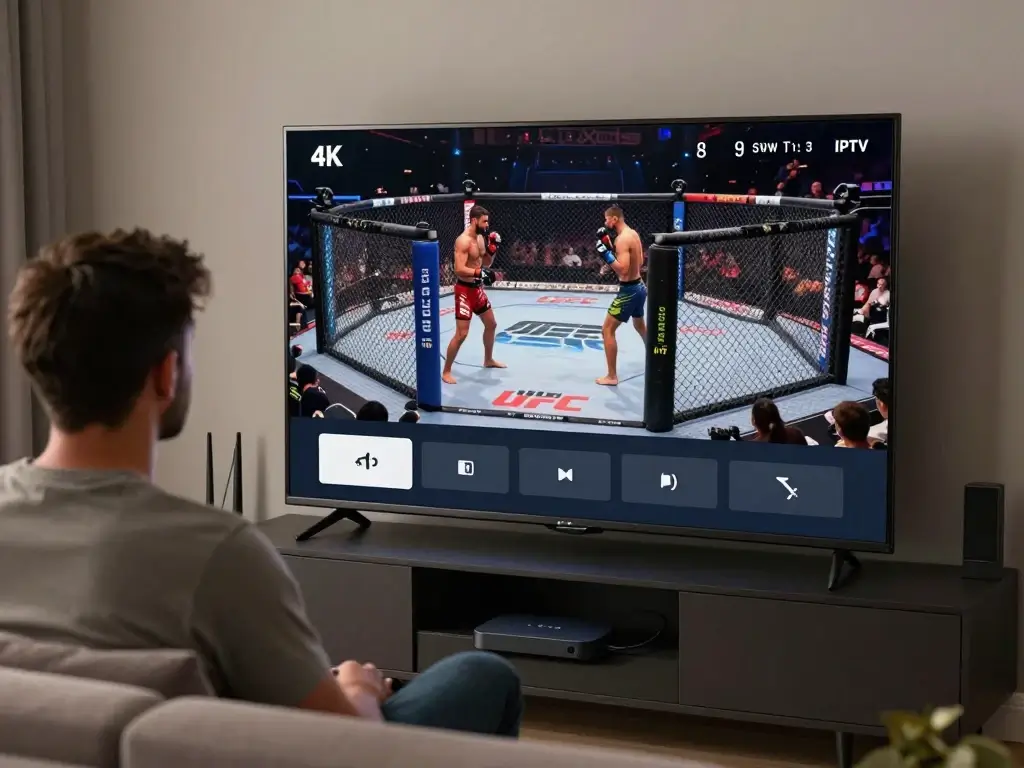
Missing a UFC main event because you could not find the right channel is frustrating. You plan your evening, invite friends over, prepare the snacks, and then spend the opening minutes searching through channels or dealing with a stream that keeps buffering. If you use IPTV, you have another way to organize your live-TV experience—but there is an important distinction between IPTV technology and the legality of the content being distributed through it.
In the United States, UFC’s broadcast landscape changed significantly in 2026. UFC and Paramount announced a seven-year U.S. media-rights agreement under which Paramount became the exclusive U.S. home for UFC events, with UFC stating that numbered events and Fight Nights would stream on Paramount+ and selected marquee events would also be simulcast on CBS. (UFC) That makes checking the official UFC schedule especially important before you search for a UFC channel through an IPTV setup.
This guide explains UFC on IPTV from the viewer’s perspective: what IPTV is, how live UFC broadcasts can appear in an IPTV environment, how to find the correct broadcaster, which devices work well, how to reduce buffering, what features to look for, and how to avoid unauthorized streams. The goal is simple: help you build a reliable setup so you can spend less time troubleshooting and more time watching the fights.
What Is UFC on IPTV?
IPTV stands for Internet Protocol Television. Instead of receiving television programming exclusively through traditional cable or satellite infrastructure, IPTV delivers television or video through an internet-connected network. From your perspective as a viewer, the experience can look similar to ordinary television: you open an application, browse channels or a program guide, select a stream, and watch.
The important point is that IPTV is a delivery technology, not automatically a source of legal or illegal content. An IPTV application can play authorized streams, just as a television can display programming from a legitimate broadcaster. What matters is whether the service distributing the UFC broadcast has the necessary rights.
For UFC fans in the USA, this distinction matters even more because the official U.S. broadcast arrangement changed in 2026. UFC’s current watch schedule lists Paramount+ for upcoming UFC events, while some selected programming is also listed on CBS. (UFC)
How IPTV Delivers Live UFC Fights
A typical IPTV setup involves several components:
- An internet connection
- A television, streaming device, computer, or mobile device
- An IPTV application or compatible viewing platform
- An authorized subscription or account
- A live channel or event stream
- An electronic program guide, if supported
When you select a channel, the application communicates with the streaming service and receives video data over your internet connection. The application then decodes that data and displays the broadcast on your screen.
This process is different from downloading an entire video before watching it. A live UFC broadcast is delivered continuously, which is why network stability is so important. If your connection becomes unstable during a five-round main event, your viewing experience can suffer even if your internet plan looks fast enough on paper.
Can You Watch UFC Fights Live on IPTV?
Yes, but the answer depends on what IPTV service you are using and what content rights that service has.
If an authorized IPTV provider carries the broadcaster showing a UFC event, you may be able to access that broadcast through your IPTV environment. If a provider simply advertises UFC content without having appropriate distribution rights, the fact that the stream appears in an IPTV application does not make it authorized.
For U.S. viewers, the safest approach is to start with the official UFC schedule. UFC’s current schedule identifies the platform carrying each event, including Paramount+ and, for selected events, CBS. (UFC)
That gives you a reliable reference point before you start configuring your viewing setup.
UFC Events, Fight Nights, and Premium Cards
Not every UFC broadcast is structured exactly the same way. You may encounter:
- UFC Fight Nights
- Numbered UFC events
- Preliminary fights
- Early preliminaries
- Main cards
- International events
- Replay programming
- UFC Fight Pass content
This is one reason you should not simply search for “UFC” inside an IPTV guide and assume the first sports channel you see has the complete event.
The official UFC schedule shows different start times and platforms for different portions of events. For example, current U.S. listings can show early preliminaries on Paramount+ and UFC Fight Pass, while preliminaries and main cards are listed on Paramount+. (UFC)
| UFC Content | What You Should Check |
|---|---|
| Early Prelims | Official UFC schedule |
| Prelims | Official broadcaster |
| Main Card | Official broadcaster/platform |
| Fight Night | Current U.S. rights holder |
| Numbered Event | Current event listing |
| Replay | Authorized replay availability |
| International Event | U.S. broadcast listing |
Because schedules and rights can change, treat the official UFC schedule as your final reference rather than relying on an old IPTV channel list.
Why Watch UFC on IPTV?
There are several reasons viewers like IPTV as a television-delivery format, especially when they already use an internet-connected TV setup.
The biggest advantage is flexibility. Instead of being tied to one traditional television box, you may be able to watch through a compatible Smart TV, streaming device, computer, smartphone, or tablet. Your experience depends on the service and application, but the basic idea is convenient: your television viewing environment becomes software-based.
For a UFC fan, that can make event nights easier to manage. You can organize sports channels, use search, browse an electronic program guide, and switch between supported devices when necessary.
Flexible Viewing
Imagine you are watching a UFC event at home on your large television. Your main setup is connected through Ethernet, giving you a stable connection. You have the event schedule ready, the correct broadcaster confirmed, and the IPTV application already tested.
If you later want to check the event from another room, you may be able to use a compatible second device, depending on your subscription and application.
That flexibility is one of IPTV’s biggest attractions.
However, do not assume that every IPTV service permits unlimited simultaneous connections. Some subscriptions restrict the number of devices or concurrent streams. Always check the actual terms of the service you use.
Sports-Focused Channel Selection
A good IPTV environment can also make sports discovery easier.
Instead of browsing hundreds of unrelated channels, you may have categories such as:
- Sports
- Live Sports
- U.S. Sports
- News
- Entertainment
- Movies
- International
An EPG can make the experience even better by showing what’s currently playing and what’s scheduled next.
For UFC events, this is useful because the event may be listed under the broadcaster rather than under a simple “UFC” category.
Device Compatibility
Your ideal device depends on how you watch sports.
A large television is usually the best choice for a fight night with friends, while a smartphone is useful if you are away from home. A laptop can be convenient when you want to watch while working or traveling.
Common options include:
- Smart TVs
- Android TV devices
- Fire TV devices
- Apple TV
- Smartphones
- Tablets
- Windows computers
- Mac computers
- Compatible IPTV boxes
The important word is compatible. Before purchasing a subscription or device, check whether your preferred application works with it.
What You Need to Watch UFC on IPTV
You do not need an extremely complicated setup. In most cases, you need four basic things: a suitable internet connection, a compatible viewing device, an IPTV application or platform, and authorized access to the broadcast.
The most overlooked part is often the network. People sometimes buy a faster internet plan when their real problem is Wi-Fi interference or congestion. A connection advertised at a high speed can still produce buffering if your device has a weak wireless signal or your network is overloaded.
Your goal should therefore be stable delivery, not simply the biggest number on an internet speed test.
A Stable Internet Connection
Live sports are less forgiving than ordinary browsing.
If a webpage takes two seconds longer to load, you probably will not notice. If a UFC stream freezes for two seconds while a fighter is attempting a submission, you will notice immediately.
For that reason, consider:
- Ethernet instead of Wi-Fi when practical
- A strong Wi-Fi signal
- Modern networking equipment
- Minimal congestion during the event
- A device that can handle your selected resolution
A Compatible IPTV Player
An IPTV player is software used to organize and play compatible streams. It does not automatically provide UFC rights or content.
This distinction is important when evaluating IPTV applications.
An application may be excellent at:
- Managing playlists
- Displaying an EPG
- Searching channels
- Supporting multiple formats
- Organizing favorites
- Handling subtitles
- Switching between streams
But it does not mean the application itself owns the rights to every channel you add.
An IPTV Service With the Required Sports Content
Before choosing a service, verify exactly what you are getting.
Ask:
- Does the service legitimately carry the broadcaster showing the UFC event?
- Is UFC content available in the USA?
- Is the particular event included?
- Does it support your device?
- Does it provide reliable customer support?
- Are its terms and business information transparent?
Avoid choosing a provider simply because it claims to offer an enormous number of channels.
More channels do not automatically mean better UFC coverage.
How to Watch UFC Fights Live on IPTV Step by Step
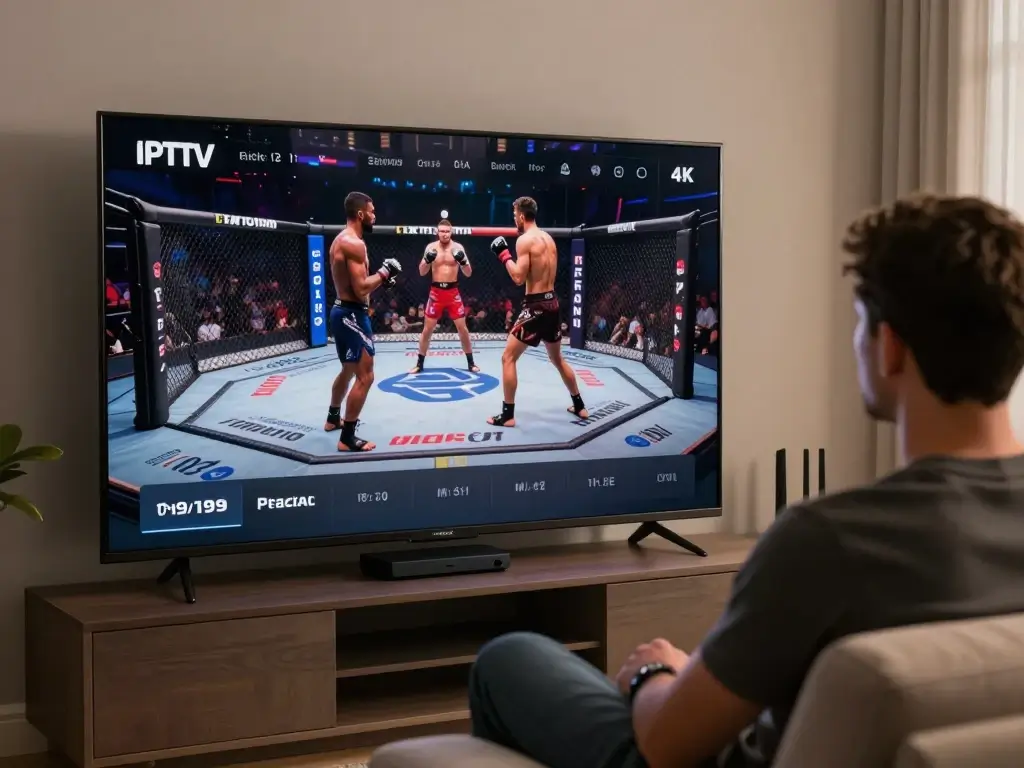
Setting up UFC on IPTV becomes much easier when you separate the process into a few simple stages. Rather than waiting until five minutes before the main card, prepare everything in advance.
The best time to discover a compatibility problem is several hours—or even a day—before the fight.
Step 1 — Choose a Legitimate IPTV Service
Start by identifying the official U.S. broadcaster for the UFC event you want to watch.
For 2026, UFC and Paramount announced that Paramount would become the exclusive U.S. home for UFC events, with UFC stating that all numbered events and Fight Nights would stream live on Paramount+, while select marquee events would also be simulcast on CBS. (UFC)
That means you should verify the current event listing rather than relying on an old article that says UFC is available through a previous broadcaster.
Step 2 — Check UFC Event Availability
Visit the official UFC event or watch schedule and locate the event.
Check:
- Event name
- Date
- Start time
- Prelims
- Main card
- Official viewing platform
The UFC schedule is particularly useful because it separates different parts of an event and provides current viewing information. (UFC)
This also prevents one of the most common mistakes: assuming the advertised main-card time is the beginning of the entire event.
Step 3 — Install a Compatible IPTV Player
If your authorized service uses an IPTV-compatible application, install the appropriate player for your device.
Before installing anything, verify:
- The application supports your operating system
- It is obtained from a trustworthy source
- It supports your provider’s format
- It has the features you actually need
You do not necessarily need a complicated application. A simple interface with reliable playback can be better than an application overloaded with features you never use.
Step 4 — Add Your Authorized Account or Playlist
Depending on the provider and application, you may be given account credentials or a playlist configuration.
Common IPTV formats can include:
- M3U playlists
- Xtream-style account credentials
- Provider-specific logins
Only use credentials and streams provided by a legitimate service you are authorized to use.
Once added, allow the application to load the available channels and, if supported, the EPG.
Step 5 — Find the UFC Broadcast
Do not assume the channel will literally be named “UFC.”
Instead, check:
- Sports category
- U.S. sports channels
- Search
- EPG
- The official broadcaster’s channel
For example, UFC’s current U.S. event listings identify Paramount+ as the destination for upcoming UFC cards, while selected programming may also appear on CBS. (UFC)
Step 6 — Test the Stream Before the Fight
This is the step that can save your entire evening.
Test the stream before the event begins.
Check:
- Video playback
- Audio
- Resolution
- Stability
- EPG information
- Device temperature
- Internet connection
If something is wrong, you still have time to fix it.
Quick UFC IPTV Setup Checklist
- Confirm the UFC event
- Check the official U.S. broadcaster
- Confirm your service legitimately carries it
- Install/update your viewing application
- Add your authorized account
- Refresh the EPG
- Locate the sports channel
- Test video and audio
- Check your internet connection
- Confirm the event start time
Best Devices for Watching UFC on IPTV
Your device has a surprisingly large effect on your UFC viewing experience.
For a major fight, a large television usually gives you the most immersive experience. But convenience matters too. If you travel frequently, a phone or laptop may be more practical. If you want a dedicated living-room setup, a streaming device or Android TV system may be a better choice.
| Device | Best For | Main Advantage | Consideration |
|---|---|---|---|
| Smart TV | Home viewing | Large screen | App compatibility |
| Fire TV | Simple streaming | Convenient interface | App availability |
| Android TV | Flexible setups | Broad compatibility | More configuration |
| Apple TV | Premium TV setup | Smooth interface | App ecosystem |
| Smartphone | Mobile viewing | Portable | Small display |
| Laptop | Flexible viewing | Easy access | Less traditional TV experience |
| IPTV Box | Dedicated setup | Remote-friendly | Extra hardware |
UFC on IPTV on Smart TV
A Smart TV is one of the most convenient options because you can watch directly on the television without necessarily needing an additional box.
Before choosing an application, check whether your TV platform supports it.
Your setup generally involves:
- Connecting the TV to the internet.
- Installing a compatible application.
- Signing in or adding your authorized service.
- Loading the EPG if available.
- Finding the relevant sports broadcaster.
For major UFC events, use Ethernet if your TV supports it and your router is nearby. A wired connection can eliminate many Wi-Fi-related variables.
UFC on IPTV on Fire TV
Fire TV devices are popular because they are compact and easy to connect to an existing television.
Your biggest consideration is application compatibility. Not every IPTV application is available on every platform, and application availability can change.
Once your compatible application is installed, follow your provider’s authorized setup instructions.
Do not rely on unofficial tutorials that ask you to install questionable software simply to access a particular stream.
UFC on IPTV on Android TV
Android TV can be attractive if you want flexibility.
You may have access to multiple compatible IPTV applications, allowing you to choose based on:
- EPG support
- Search
- Favorites
- Interface
- Playback controls
- Device compatibility
Again, the application does not determine whether the content itself is authorized. Your content source still matters.
UFC on IPTV on Smartphone
A smartphone is useful when you are away from your television.
For mobile viewing, consider:
- Wi-Fi stability
- Mobile data usage
- Battery life
- Screen brightness
- Audio quality
- Device temperature
High-resolution live video can consume significant data. If you plan to watch an entire UFC event over cellular data, check your mobile plan before starting.
UFC on IPTV on Laptop
A laptop can be a practical option when you want to watch while traveling or when your television is unavailable.
It also gives you an easy way to troubleshoot because you can quickly switch between the event page, speed test, account dashboard, and streaming application.
For a better viewing experience, connect the laptop to a larger display if your hardware supports it.
What Internet Speed Do You Need for UFC on IPTV?
There is no single internet-speed number that guarantees perfect IPTV playback.
Video quality, encoding, bitrate, network congestion, latency, packet loss, Wi-Fi quality, and the performance of the streaming server can all affect your experience.
As a practical starting point, you might use these guidelines:
| Video Quality | Practical Starting Point |
|---|---|
| SD | 5 Mbps+ |
| HD | 10 Mbps+ |
| Full HD | 15 Mbps+ |
| 4K | 25 Mbps+ |
These figures are guidelines, not guarantees.
If several people in your home are streaming Netflix, gaming online, downloading files, and attending video calls while you watch UFC, your available bandwidth may be much lower than the number advertised by your ISP.
Why Speed Tests Don’t Tell the Whole Story
Suppose your speed test reports 300 Mbps.
That sounds excellent.
But imagine your television is connected through weak Wi-Fi at the other side of the house, while several other devices are using the network. You could still experience buffering.
Other factors include:
Latency
Latency is the time it takes for data to travel between your device and a remote server. It is particularly important for interactive applications, although a live video stream also depends on consistent delivery.
Packet Loss
Lost packets can force video systems to wait for missing data or reduce quality.
Wi-Fi Interference
Walls, distance, neighboring networks, and household electronics can affect wireless performance.
ISP Congestion
Your connection can behave differently at peak hours.
Server Performance
Even if your home network is excellent, a poorly performing streaming source can still cause problems.
UFC on IPTV: HD vs 4K Streaming
When you watch a UFC fight, resolution matters—but it is not the only thing that matters.
A stable 1080p stream is often a better experience than a 4K stream that constantly buffers. UFC is fast-paced, and a frozen image at the wrong moment can be more annoying than slightly lower resolution.
| Feature | HD | Full HD | 4K |
|---|---|---|---|
| Resolution | Lower | Higher | Highest |
| Bandwidth | Lower | Moderate | Higher |
| Data Usage | Lower | Moderate | Higher |
| Large TV Experience | Good | Very Good | Excellent |
| Network Demand | Moderate | Higher | High |
Is 4K Worth It for UFC?
If you have a large 4K television, a stable high-speed connection, and an actual 4K source, the improvement can be noticeable.
However, do not choose a service simply because it puts “4K” in its marketing.
The source itself needs to be genuinely available at the advertised resolution. Upscaling a lower-resolution signal does not magically create the same detail as native 4K content.
For UFC, motion handling is also important. Fast punches, kicks, takedowns, and camera movements can expose weaknesses in poor-quality compression.
How to Choose the Best IPTV Service for UFC
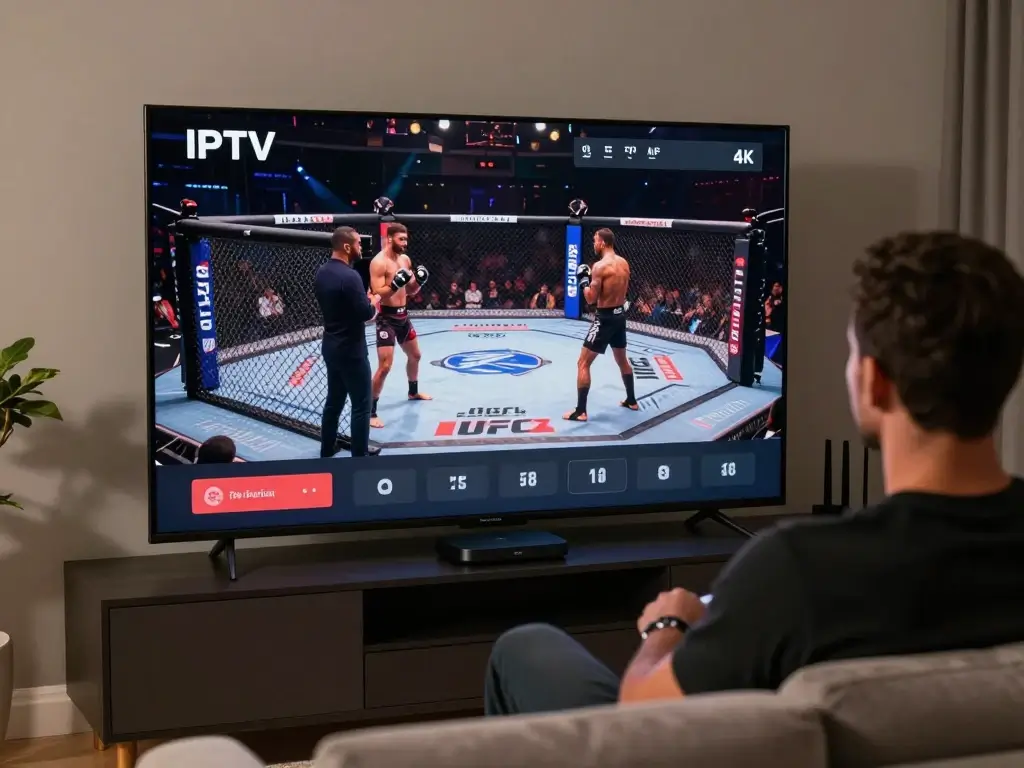
Searching for the best IPTV for UFC can quickly become confusing because providers often advertise huge channel counts.
But if UFC is your priority, channel quantity should not be your first question.
Your first question should be:
Does this service legitimately provide the broadcaster carrying the UFC event I want to watch?
Once that is confirmed, evaluate reliability and usability.
Check Sports and UFC Availability
Look for specific information rather than vague claims.
A provider saying “thousands of sports channels” tells you very little.
Instead, check whether the relevant U.S. broadcaster is included and whether your specific event is accessible.
Because UFC’s U.S. rights arrangement changed in 2026, older IPTV articles can be outdated. UFC’s official announcement says Paramount became the exclusive U.S. home for UFC events under the seven-year agreement beginning in 2026. (UFC)
Look for Stream Stability
Reliability matters more than having an enormous channel list.
A service with 50,000 channels is not useful to you if the sports streams constantly freeze.
Evaluate:
- Stability
- Peak-time performance
- Video quality
- EPG accuracy
- App compatibility
- Customer support
Check Device Support
Your preferred device should be supported before you subscribe.
If you mainly watch on a Smart TV, prioritize TV compatibility. If you travel, look for mobile and laptop support.
Look for a Useful EPG
An electronic program guide can make a large IPTV lineup much easier to navigate.
A useful EPG can help you identify:
- Sports broadcasts
- Event times
- Channel schedules
- Upcoming programming
- Current programming
For UFC, this can be particularly useful because the event may appear under the broadcaster’s normal channel name rather than a dedicated UFC listing.
Consider Customer Support
A provider should have clear ways to contact support.
Good signs include:
- Clear documentation
- Setup instructions
- Contact information
- Troubleshooting resources
- Transparent subscription terms
Be cautious when a service has no meaningful business information and only communicates through anonymous messaging accounts.
UFC on IPTV vs Cable, Satellite, and Official Streaming
IPTV is not automatically better than every other option. The best choice depends on what you value.
| Feature | IPTV | Cable/Satellite | Official Streaming |
|---|---|---|---|
| Internet Required | Usually | Traditional delivery may not require it | Yes |
| Device Flexibility | Often high | Usually more limited | Usually high |
| Channel Selection | Provider dependent | Package dependent | Service dependent |
| UFC Availability | Rights dependent | Rights dependent | Official |
| EPG | Often available | Usually available | Usually available |
| Content Rights | Provider dependent | Licensed | Official/licensed |
For U.S. UFC viewers in 2026, official streaming deserves particular attention because of the current Paramount agreement.
UFC’s announcement stated that the move away from the previous PPV model would make premium events available to the relevant Paramount+ subscriber base without a separate PPV charge, while selected marquee events would also be shown on CBS. (UFC)
That is an important change for anyone researching old “UFC PPV IPTV” information.
Which Option Is Better for UFC?
There is no universal answer.
If you want the simplest official solution, the current UFC-listed broadcaster is the obvious starting point.
If you already have a legitimate IPTV television environment that includes the authorized broadcaster, you may prefer its interface.
Your priorities may include:
- Cost
- Convenience
- Device support
- Picture quality
- Sports coverage
- EPG
- Portability
- Official access
The key is to compare actual services and current rights rather than relying on generic IPTV marketing.
How to Watch UFC on IPTV Without Buffering
Buffering is one of the biggest complaints associated with live IPTV viewing.
Fortunately, you can eliminate many common causes yourself.
Use Ethernet When Possible
A wired Ethernet connection is often the simplest upgrade you can make.
It removes many variables associated with Wi-Fi:
- Signal strength
- Interference
- Distance
- Wireless congestion
If your router is close to your television, connecting directly can be worthwhile.
Reduce Network Congestion
Before the fight begins, pause unnecessary activities.
For example:
- Stop large downloads.
- Pause cloud backups.
- Reduce other simultaneous streams.
- Disconnect devices you are not using.
- Avoid major downloads during the main card.
Restart Your Network Equipment
If your connection has become unstable, restart:
- Router
- Streaming device
- IPTV application
This simple process can resolve temporary network problems.
Lower Video Quality
If a high-resolution stream is struggling, test a lower resolution.
For example, switching from 4K to HD may dramatically improve stability.
The goal is not to win a resolution competition. The goal is to watch the fight without interruptions.
Check Whether the Problem Is the Source
Try to identify where the problem originates.
If every streaming service buffers, your network may be the issue.
If Netflix and YouTube work normally but one IPTV stream constantly freezes, the problem may be with that stream or service.
If only one device has the issue, the device or application may be responsible.
Common UFC IPTV Problems and How to Fix Them
| Problem | Possible Cause | What to Try |
|---|---|---|
| Buffering | Network congestion | Use Ethernet or reduce traffic |
| Black screen | Source/application issue | Restart and check another authorized source |
| No audio | Audio compatibility | Check application/device settings |
| UFC channel missing | Rights/package issue | Confirm event availability |
| Incorrect EPG | Guide data issue | Refresh EPG |
| App crashes | Application/device issue | Update or reinstall |
| Low quality | Source/network limitation | Check available quality |
UFC Channel Missing
If you cannot find the event, do not immediately assume your IPTV application is broken.
First check the official UFC schedule.
The event may be carried by a broadcaster you did not expect, or the event may have a different start time than you assumed.
EPG Shows the Wrong Time
Time-zone differences can cause confusion.
UFC’s official event pages display event times in specific time zones, so check the listing against your local U.S. time. (UFC)
Remember that:
- Eastern Time differs from Central Time.
- Central differs from Mountain.
- Mountain differs from Pacific.
- Event times can change.
Always use the current official listing before planning your evening.
How to Find UFC Events in an IPTV Guide
An EPG is essentially a digital television schedule.
If your IPTV setup provides one, finding UFC programming can be much easier.
Start by opening the sports category.
Then:
- Search for the relevant broadcaster.
- Check the current schedule.
- Look for the UFC event.
- Confirm the date.
- Confirm the start time.
- Set a reminder if your application supports one.
Do not assume that every event will be labeled identically.
A broadcast may appear under a network’s standard channel name rather than “UFC Main Event.”
The official UFC watch schedule is useful as a cross-reference because it lists upcoming events, start times, and current viewing platforms. (UFC)
UFC on IPTV for Different Devices
The basic principle is the same across devices, but the experience varies.
Smart TV
Best for:
- Living-room viewing
- Large screens
- Family viewing
- Dedicated sports setups
Prioritize application compatibility and network stability.
Fire TV
Best for:
- Existing televisions
- Compact streaming setups
- Simple remote control
Check current application availability before selecting your setup.
Android TV
Best for:
- Flexible IPTV environments
- Larger app selection
- Users who want more control
Smartphone
Best for:
- Travel
- Watching away from home
- Checking an event while out
Remember that mobile data usage can be significant.
Laptop
Best for:
- Travel
- Temporary setups
- Users who do not have a Smart TV
A laptop can also be connected to a larger monitor or television where supported.
Is Watching UFC on IPTV Legal?
This is one of the most important questions to answer clearly.
IPTV itself is a technology for delivering video over IP networks. Its legality depends on the service, the content being distributed, and whether the distributor has the appropriate rights.
A legitimate IPTV service can distribute authorized television programming.
An unauthorized service may distribute copyrighted programming without permission.
Those are fundamentally different situations even though both may use the same IPTV technology.
IPTV Technology vs Content Rights
Think of IPTV like the internet connection itself.
The internet can be used to access a legitimate banking website or an unauthorized copy of a movie. The technology is not automatically responsible for the legality of what you access.
The same principle applies to IPTV.
For UFC, check the official U.S. broadcast information before watching.
In 2026, UFC’s announced U.S. agreement with Paramount makes Paramount+ the exclusive home for UFC events, with selected events simulcast on CBS. (UFC)
How to Identify a Legitimate Service
Look for:
- Transparent company information
- Clear terms and conditions
- Legitimate billing
- Customer support
- Clear information about content availability
- Appropriate licensing or distribution rights
Be cautious about services promising every premium sports event from every country for an unrealistically low price.
Why You Should Avoid Unauthorized UFC Streams
Apart from potential copyright problems, unauthorized streams can introduce practical security risks.
You may encounter:
- Aggressive pop-ups
- Suspicious downloads
- Phishing pages
- Malware
- Fake payment forms
- Unstable streams
- Sudden service shutdowns
If a website asks you to install unknown software just to watch a UFC fight, that should be a warning sign.
Tips for the Best UFC IPTV Viewing Experience
A good fight-night setup does not need to be complicated.
You simply want to remove as many potential problems as possible before the first round begins.
Before the Fight
Check:
- Event name
- Official broadcaster
- Start time
- Internet connection
- Device updates
- Application updates
- Available video quality
- Audio
Do a test run.
Open the stream early and let it play for several minutes.
During the Fight
Once the event begins:
- Avoid unnecessary downloads.
- Keep your device connected to a stable network.
- Avoid changing settings unnecessarily.
- Keep your streaming device ventilated.
- Use the most stable available resolution.
If everything works, leave it alone.
There is no benefit to changing settings during the main event simply because a different option looks more impressive.
After the Fight
If you want to revisit the event, use legitimate replay options.
The official UFC event pages provide replay information for completed events, while the UFC app also supports access to past and live fight content. (UFC)
UFC on IPTV: Features Worth Looking For
If you are evaluating an IPTV service for sports, consider the features below.
| Feature | Why It Matters |
|---|---|
| Live Sports Channels | Helps you locate UFC broadcasters |
| EPG | Makes schedules easier to follow |
| HD/FHD/4K | Provides flexible picture quality |
| Catch-Up | Useful for missed programming where authorized |
| Multi-Device Support | Gives you viewing flexibility |
| Search | Makes large channel lists easier to navigate |
| Favorites | Lets you save preferred sports channels |
| Customer Support | Helps resolve setup issues |
| Stable Playback | Reduces interruptions |
The most important features are not necessarily the flashiest.
A reliable EPG and stable playback can be much more valuable than thousands of channels you never watch.
How Much Does It Cost to Watch UFC on IPTV?
The cost depends heavily on the service and the current broadcasting arrangement.
For U.S. viewers, the situation changed in 2026 when UFC and Paramount announced the new media-rights agreement. UFC stated that its previous PPV model would be replaced for the U.S. market by live availability through Paramount+, with selected marquee events simulcast on CBS. (UFC)
That means older articles discussing UFC PPV pricing in the United States may no longer accurately describe the current arrangement.
Factors That Affect Cost
Consider:
- Streaming platform subscription
- Sports package
- IPTV subscription
- Number of devices
- Premium features
- Internet service
- Hardware
Do not compare prices without comparing what you actually receive.
A cheap subscription that does not legitimately carry the UFC broadcast is not a bargain.
UFC on IPTV: Common Mistakes to Avoid
Choosing a Provider Only Because It Is Cheap
Price should never be your only selection criterion.
For live sports, reliability matters enormously.
Assuming Every IPTV Service Has UFC
This is a major mistake.
A service can advertise thousands of sports channels and still not have the particular UFC broadcast you want.
Waiting Until the Main Event to Test the Stream
Test early.
If something goes wrong at 9 p.m., you may not have time to troubleshoot.
Ignoring Regional Rights
UFC availability differs by country.
Even within the same service, a channel available in one region may not carry the same programming in another.
For a U.S. viewer, always prioritize U.S.-specific broadcast information.
Using an Unsupported IPTV Player
If your application does not properly support your provider’s format, playback can be unreliable.
Choose compatible software rather than forcing a platform to do something it was not designed to do.
Assuming “4K” Always Means Native 4K
Marketing labels can be misleading.
Ask what the actual source resolution is and whether your device and connection can reproduce it properly.
Ignoring Internet Stability
A huge internet package cannot fix poor Wi-Fi placement or an unreliable streaming source.
Look at the complete network path.
UFC on IPTV Setup Checklist
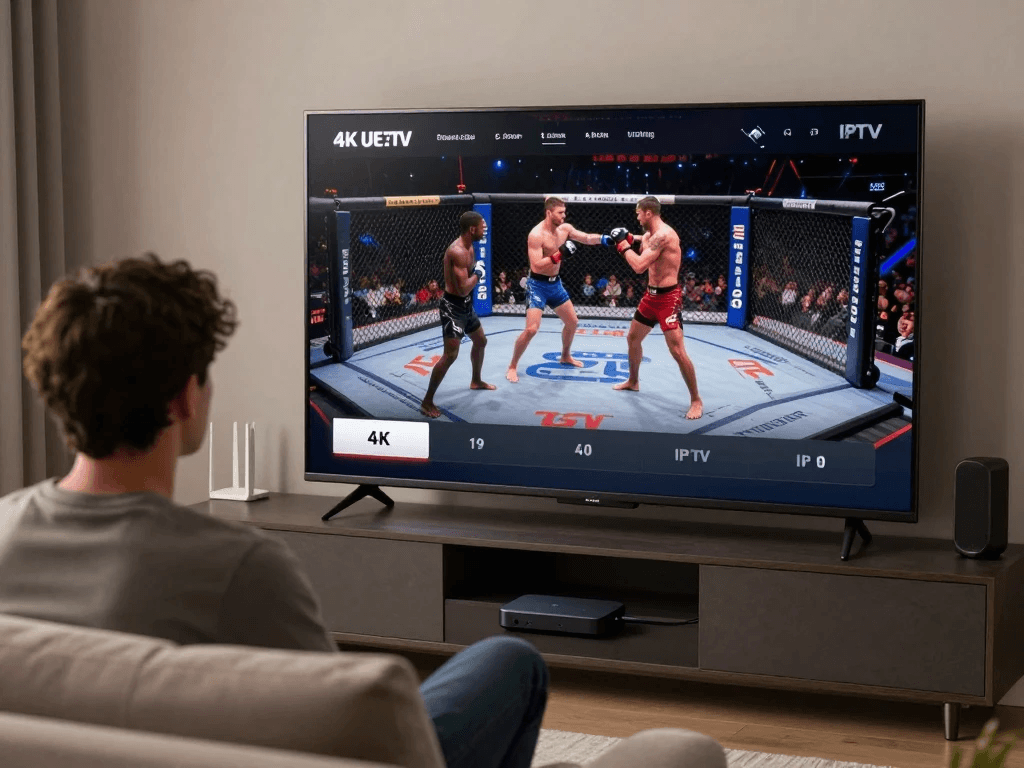
Use this checklist before every major event.
| Step | Action | Status |
|---|---|---|
| 1 | Confirm UFC event | ☐ |
| 2 | Check official U.S. broadcaster | ☐ |
| 3 | Confirm legitimate access | ☐ |
| 4 | Check device compatibility | ☐ |
| 5 | Update application | ☐ |
| 6 | Add authorized account | ☐ |
| 7 | Refresh EPG | ☐ |
| 8 | Test sports channel | ☐ |
| 9 | Test audio/video | ☐ |
| 10 | Confirm local start time | ☐ |
| 11 | Reduce network congestion | ☐ |
| 12 | Start watching early | ☐ |
This takes only a few minutes, but it can prevent many of the problems that become frustrating once the fight has already started.
Frequently Asked Questions About UFC on IPTV
Can You Watch UFC on IPTV?
Yes, if the IPTV environment provides legitimate access to the broadcaster carrying the UFC event. IPTV is simply a method of delivering television/video over an IP network, so the key issue is the source and its distribution rights.
For U.S. viewers in 2026, UFC’s official information identifies Paramount+ as the primary destination for UFC events, with selected marquee events also simulcast on CBS. (UFC)
What Is the Best IPTV for UFC?
There is no single IPTV service that is automatically best for everyone.
Instead, compare:
- Legitimate UFC availability
- U.S. broadcast rights
- Reliability
- Device compatibility
- EPG quality
- Picture quality
- Customer support
If a service claims to offer UFC, verify the claim against the official UFC schedule.
Can You Watch UFC Fight Night on IPTV?
Potentially, yes, if the IPTV service legitimately carries the broadcaster responsible for the event.
UFC’s current schedule lists upcoming Fight Nights and their official U.S. viewing platforms. (UFC)
Because broadcasting arrangements can change, check the specific event rather than assuming all Fight Nights use the same channel.
Can You Watch UFC PPV on IPTV?
The U.S. UFC model changed in 2026.
UFC announced that Paramount’s seven-year U.S. media-rights agreement would move the premium-event model away from the previous PPV structure, with UFC’s numbered events and Fight Nights streaming through Paramount+ and selected marquee events simulcast on CBS. (UFC)
Therefore, older searches for “UFC PPV IPTV” may provide outdated information.
What Internet Speed Do You Need for UFC on IPTV?
A practical starting point is around 10 Mbps or more for HD and approximately 25 Mbps or more for 4K, although actual requirements vary.
Stability matters just as much as speed.
Your Wi-Fi quality, latency, packet loss, network congestion, streaming source, and device can all influence performance.
Can You Watch UFC on IPTV on a Smart TV?
Yes, provided your Smart TV supports a compatible application and you have legitimate access to the relevant broadcast.
Before subscribing, confirm that the service and application support your exact TV platform.
Why Does UFC on IPTV Keep Buffering?
Possible causes include:
- Weak Wi-Fi
- Network congestion
- Insufficient bandwidth
- Device limitations
- Application problems
- Streaming-source problems
- ISP issues
Try Ethernet, reduce network activity, restart your equipment, and test another authorized stream if available.
Is UFC on IPTV Legal?
IPTV technology itself is not inherently illegal.
The important question is whether the provider has the appropriate rights to distribute the UFC content.
Use authorized services and check the official UFC viewing information for your region.
Can You Watch UFC on IPTV in 4K?
You can watch a UFC broadcast in 4K only when a legitimate 4K source is actually available and your service, application, device, display, and internet connection support it.
Do not assume that a provider’s “4K” label means the source is native 4K.
How Do You Find UFC Fights on an IPTV EPG?
Open your sports category and search for the broadcaster carrying the event.
Then compare the EPG information with the official UFC schedule.
This is especially important when the event is listed under a network name rather than “UFC.”
How to Prepare for Your Next UFC Fight Night
A great UFC viewing experience starts before the opening bell.
A few minutes of preparation can make a significant difference.
First, check the official UFC event schedule. The current schedule provides event dates, start times, fight cards, and viewing information, making it the most reliable place to confirm what is happening. (UFC)
Next, verify your viewing platform. If you use an IPTV setup, make sure it legitimately carries the appropriate broadcaster.
Then test your connection.
Finally, open your stream early.
This simple routine removes the pressure that comes from trying to solve technical problems while thousands of other viewers are also logging in for a major event.
Final Thoughts: Is UFC on IPTV Worth It?
UFC on IPTV can be a convenient way to organize live television and sports viewing, but the quality of your experience depends on much more than simply having an IPTV application.
You need the correct broadcast source, a compatible device, a stable internet connection, and—most importantly—legitimate access to the content.
For U.S. viewers, the current UFC landscape makes checking official information especially important. UFC’s 2026 media-rights agreement with Paramount changed how UFC events are distributed in the United States, with Paramount+ becoming the exclusive U.S. home for UFC events and selected marquee fights also appearing on CBS. (UFC)
That means old guides can quickly become outdated.
Before every fight, check the official UFC schedule, confirm the broadcaster, test your setup, and make sure your service has legitimate access. If your priority is reliability, do not choose a provider simply because it promises the largest channel count or the cheapest subscription.
Instead, look for the combination that matters most: authorized UFC access, stable streaming, compatible devices, useful guide information, and dependable support.
And if you’re evaluating an IPTV service for UFC, use the checklist in this guide before subscribing. Compare its sports coverage, device compatibility, streaming quality, EPG, support, and content rights rather than judging it by marketing claims alone.
Your next UFC night should be about the fighters—not about fighting with your TV setup.









